Using the Deposit Detail Code Request Form
Summary
In this article, you will learn the steps to request a deposit detail code for use in UGA Cash Management.
Body
Overview
The UGA Cash Management System uses Deposit Detail codes as a shortcut to enter ChartFields into the system. These are created and maintained in the Banner System.
If you do not find a Deposit Detail code for the correct accounting chart string, your CFO can request a new Deposit Detail code using the Deposit Detail Code Request Form.
Tutorial Resources
Deposit Detail Code Lookup/Request Link
In this article, you will learn the steps to request a deposit detail code for use in UGA Cash Management.
 |
|
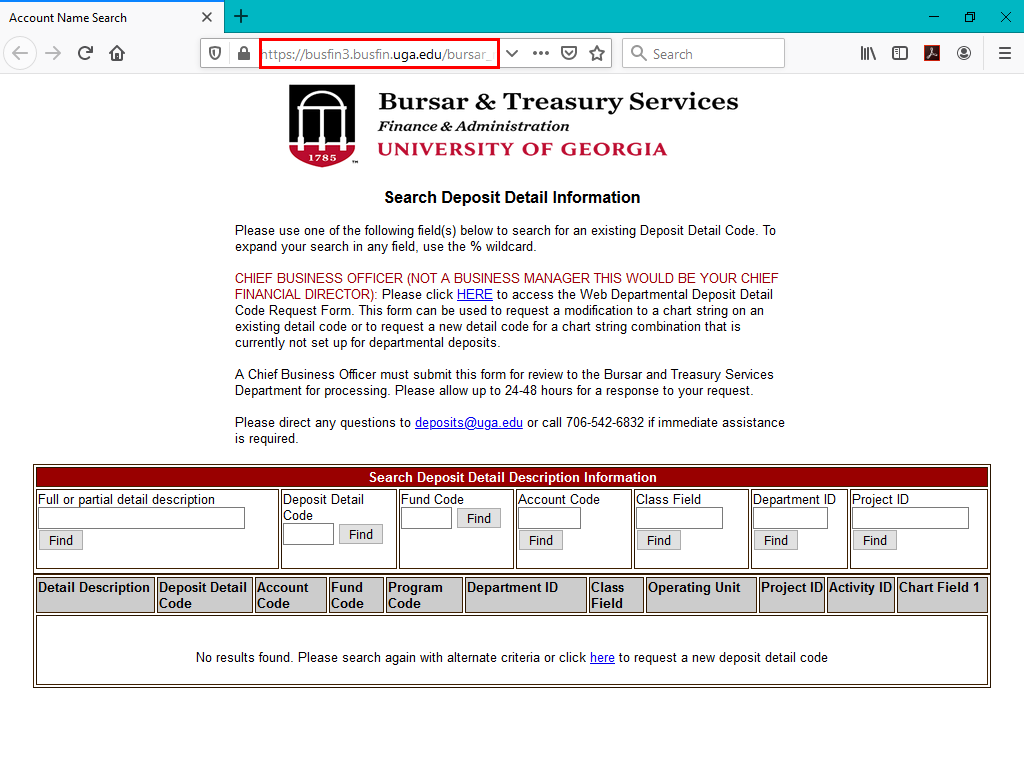
To navigate to the Search Deposit Detail Information page, type in the following URL in your web browser:
https://busfin3.busfin.uga.edu/bursar_reg/deposit_detail_desc_s.cfm
|
|
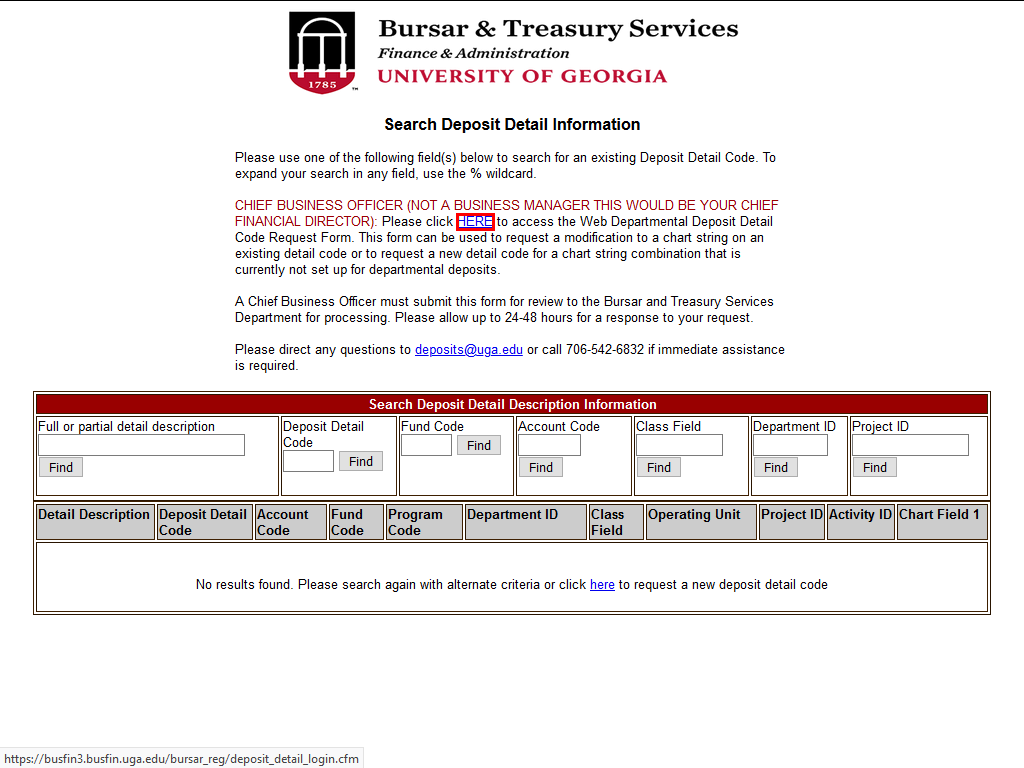 |
The Search for Deposit Detail Information webpage is displayed. On this page, you will locate the link to access the Web Departmental Deposit Detail Code Request Form.
Note : Only the CFO for your department or unit may submit the form.
Click the HERE link to access the Wed Departmental Deposit Detail Code Request Form.
|
|
 |
|
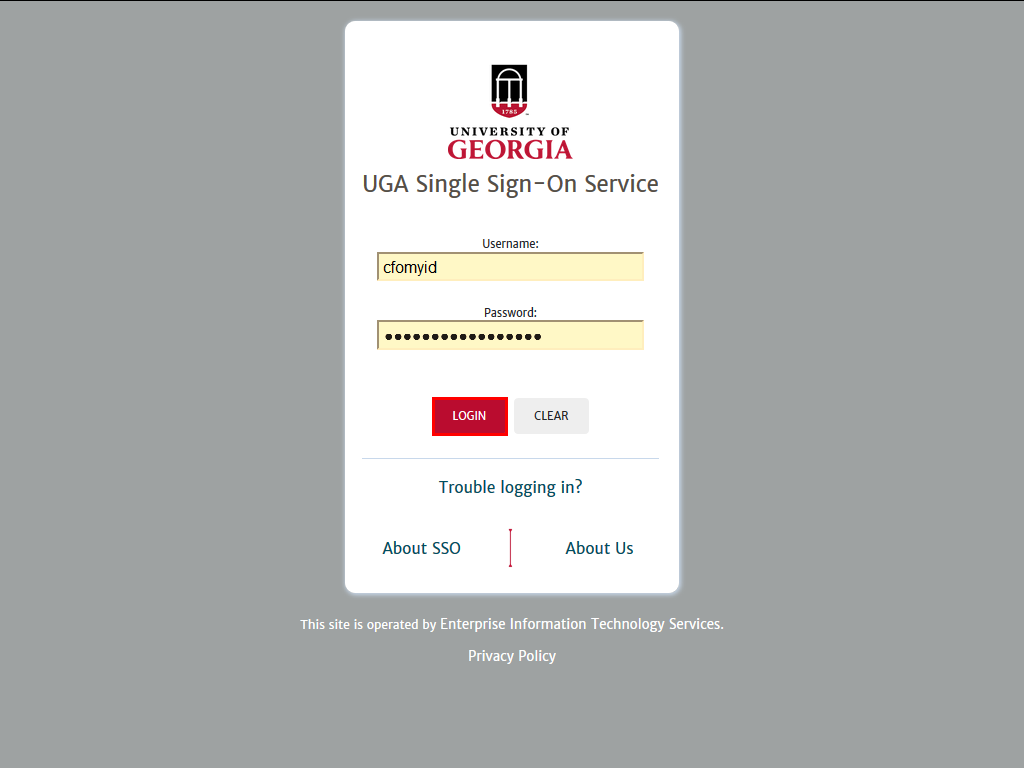
The UGA Single Sign-On page is displayed.
Enter your MyID and password, then click the Login button.
|
|
 |
|
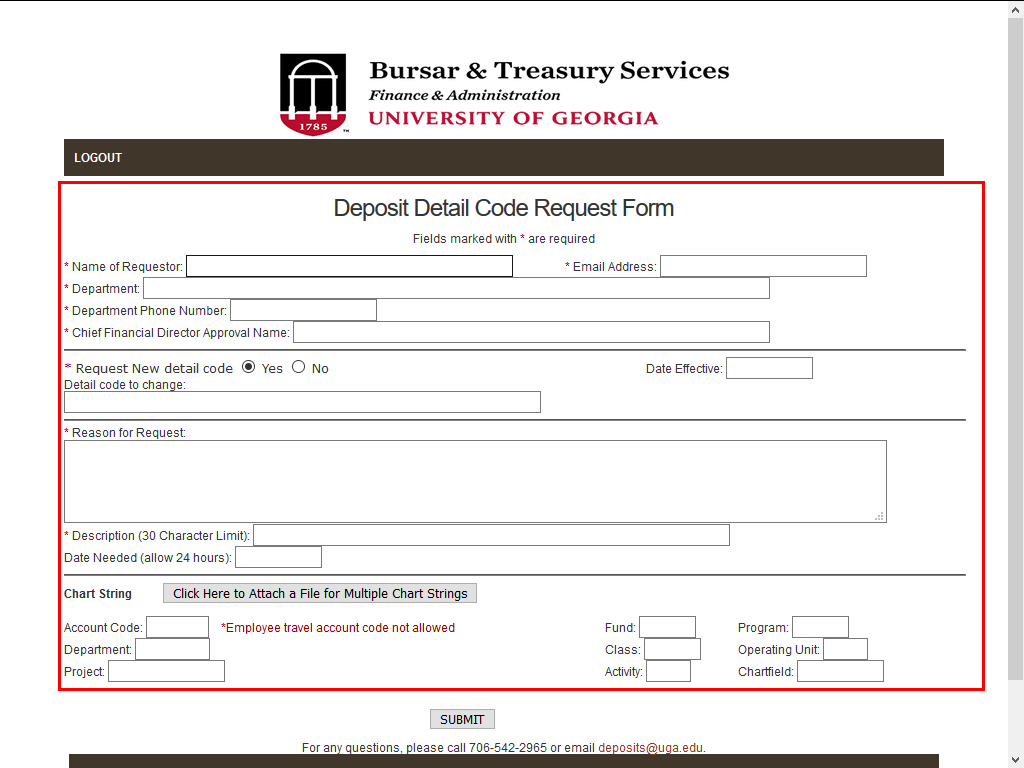
The Deposit Detail Code Request Form page is displayed. Enter the requested information into each field as appropriate.
|
|
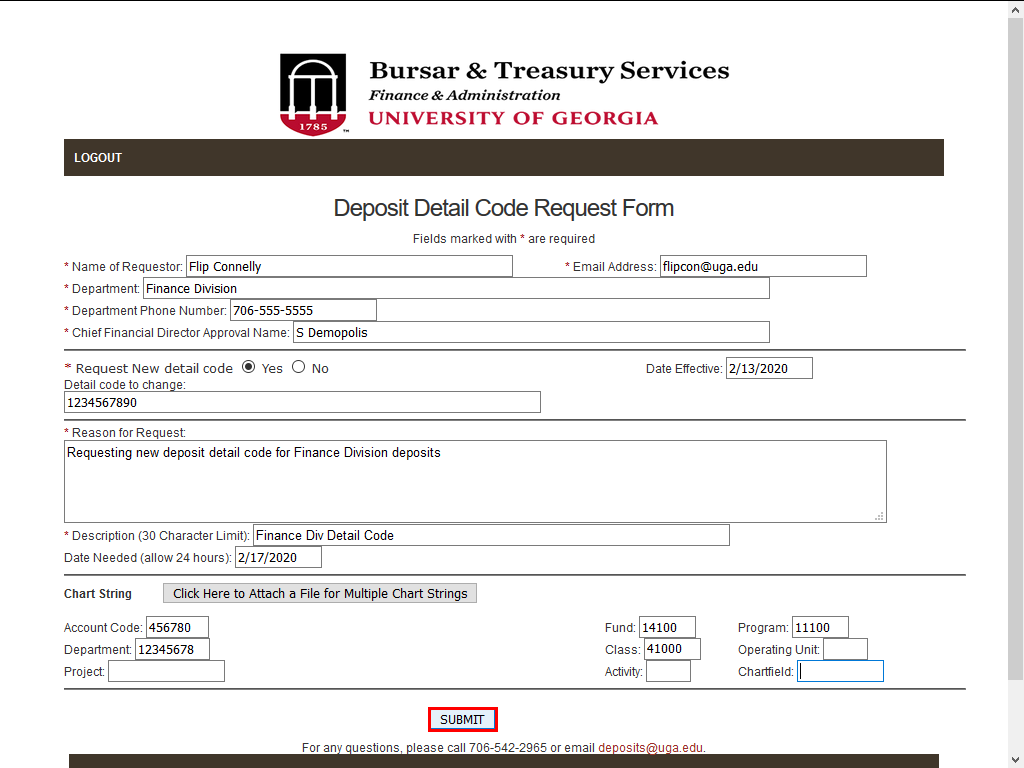 |
After you have entered all the required information into the fields, click the SUBMIT button.
|
|
 |
|
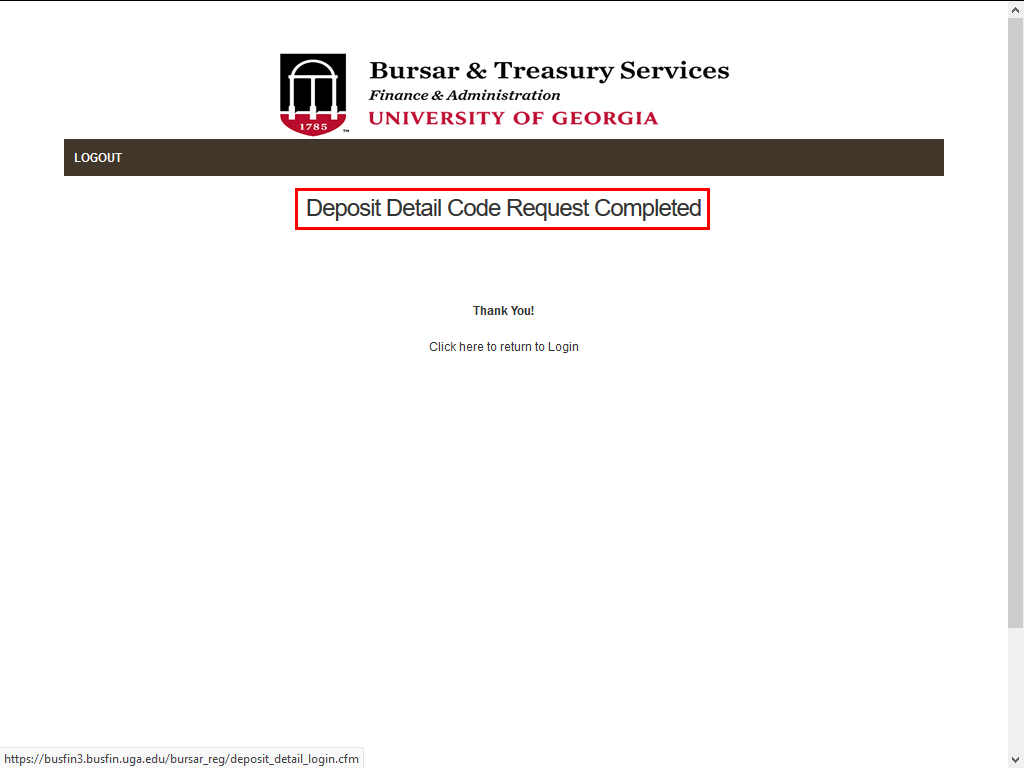
A confirmation page is displayed, indicating that the request has been completed.
|
|
Details
Details
Article ID:
149546
Created
Sat 9/24/22 11:17 PM
Modified
Tue 3/24/26 2:41 PM