Logging into the UGAmart purchasing system via UGAmart Webpage
Summary
In this article, you will learn the steps to log into UGAmart from the UGAmart webpage.
Body
Overview
There are two ways to access UGAmart: through the UGAmart webpage or the UGA Financial Management System.
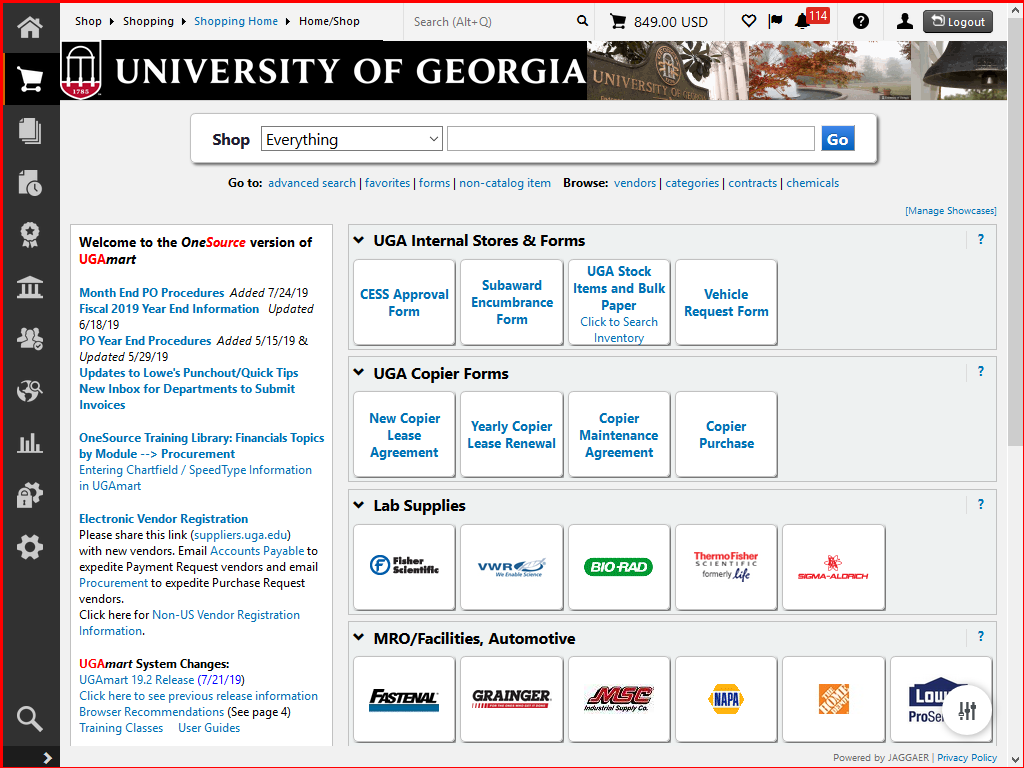
In your preferred browser, you can navigate to https://ugamart.uga.edu and the UGAmart webpage is displayed. By clicking the "Login to UGAmart" button on the top left corner of the page, you will be directed to the CAS login page. Upon entering your UGA credentials, you will be directed to the UGAmart homepage.
In this article, you will learn the steps to log into UGAmart from the UGAmart webpage.
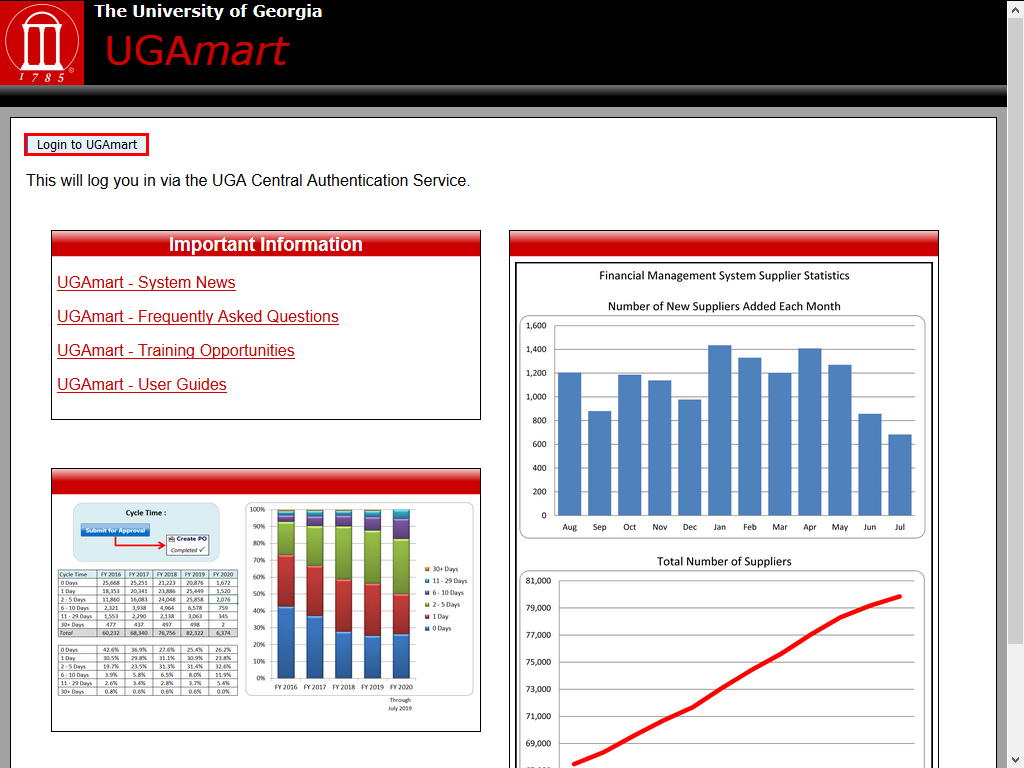 |
On the main UGAmart page, click the Login to UGAmart button in the upper left corner of the screen.
|
|
 |
|
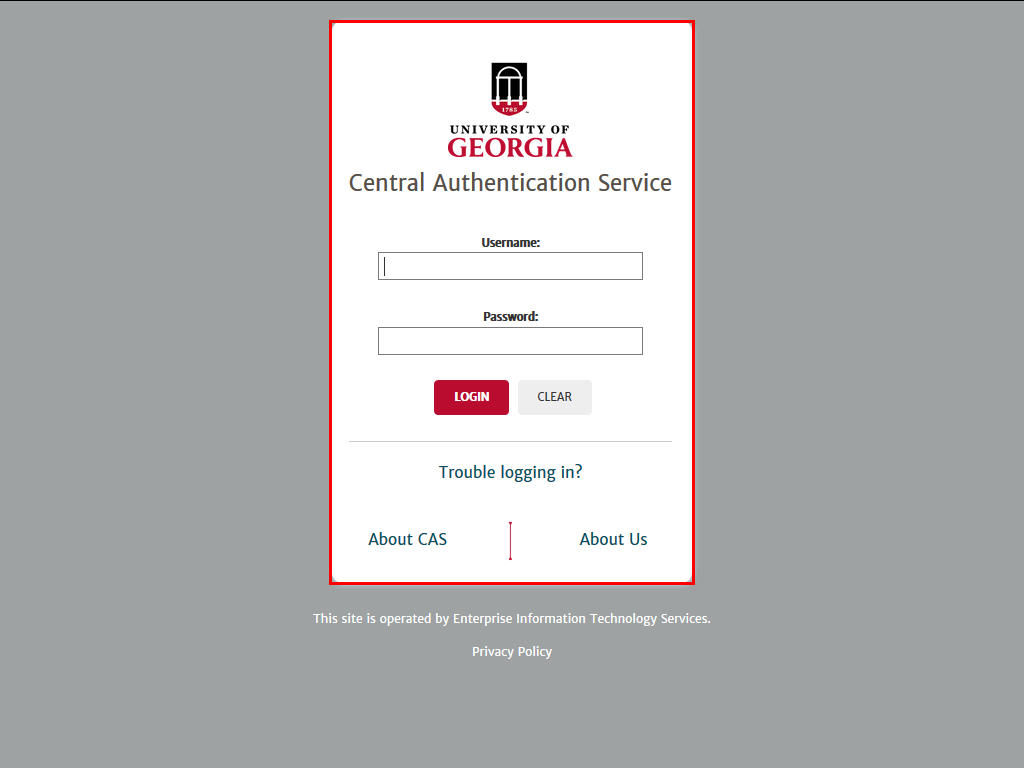
The Central Authentication Services login page is displayed.
Enter your UGA MyID and Password.
|
|
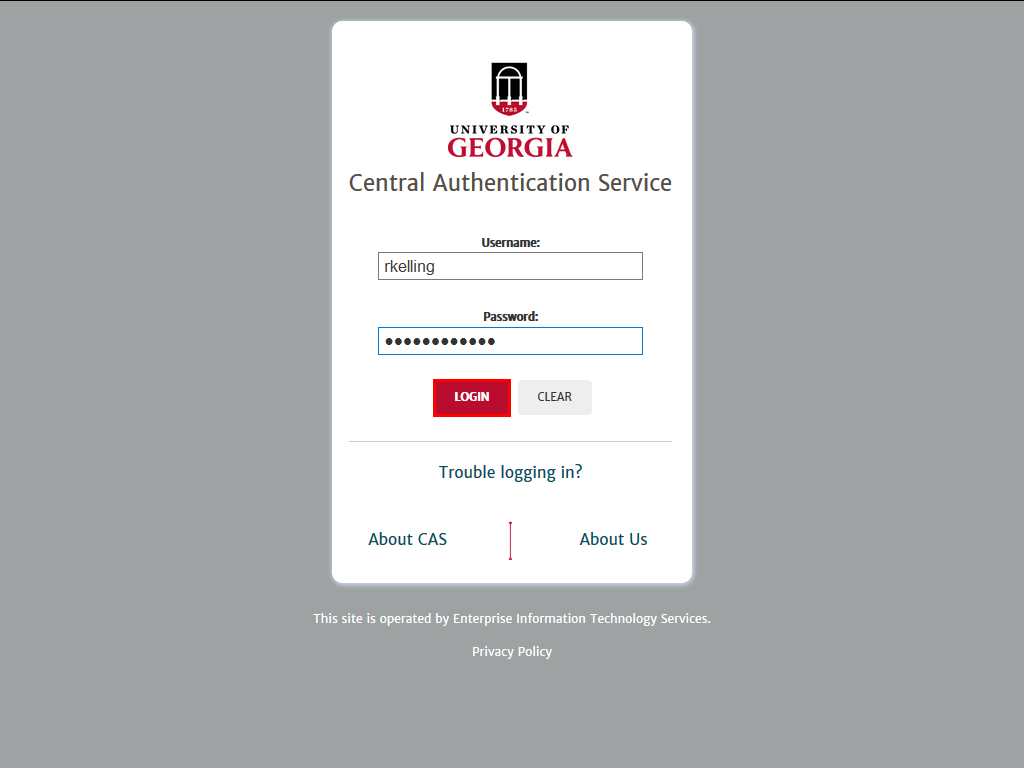 |
| Login confirmation page is pending.
|
|
 |
|
The UGAmart homepage is displayed.
|
|
Details
Details
Article ID:
149003
Created
Sat 9/24/22 11:01 PM
Modified
Wed 4/1/26 9:05 PM